In this article
- Choose by the job you need done
- ChatGPT: a flexible place to work on the message
- Canva: turn an approved message into editable creative
- Buffer: keep social content moving
- Brevo: build around email marketing
- Blaze: assess the broader workflow
- Upside: connect the business goal to the next campaign
- Use the same test for every tool
You have a caption to write, an offer to explain and a business to run. A list of thirty AI tools can leave you with another research project.
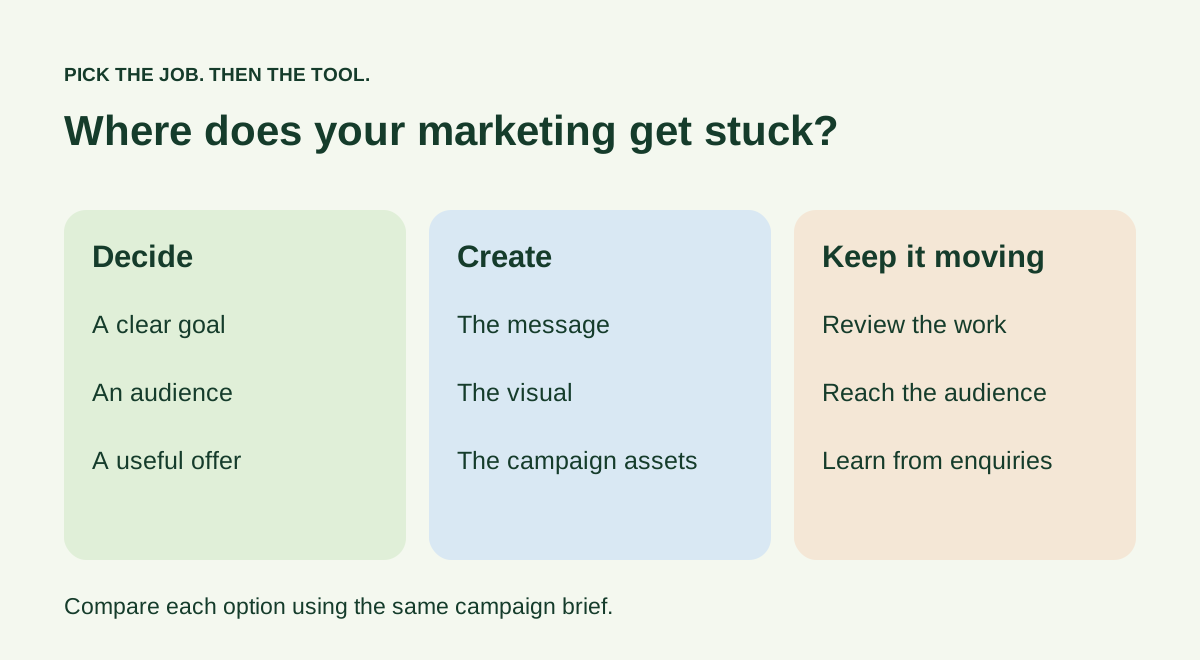
A more useful question is: which part of marketing keeps getting stuck? Drafting, design, distribution and deciding what to do next are different jobs. The right tool depends on which one is costing you time.
This guide compares six options by that job. Start with the table, then read the section that matches your bottleneck.
How this comparison was made: we checked the providers’ published features on 23 October 2026. This is a capability comparison, not a hands-on performance test. Upside publishes this guide and is included below; the order is not a ranking.
Choose by the job you need done
| Your immediate problem | Tool to investigate | What to test before committing |
|---|---|---|
| “I know the offer, but cannot get the wording right.” | ChatGPT | Can it turn your actual brief into a usable draft? |
| “The message is ready, but the design takes forever.” | Canva | Can you produce the formats you need and edit every important detail? |
| “We have content, but our social publishing is inconsistent.” | Buffer | Does it support your channels and review process? |
| “We need to email our existing audience more consistently.” | Brevo | Can you manage your list, email workflow and approval needs? |
| “We want to evaluate a broader marketing platform.” | Blaze | Does the software or managed-service option fit your operation? |
| “Our goal, campaign and creative keep getting disconnected.” | Upside | Can you follow one business goal through planning and review? |
A tool can cover more than one row. Use this table to choose a starting point, rather than treating every product as interchangeable.
ChatGPT: a flexible place to work on the message
ChatGPT is worth considering when your main task is writing: developing an angle, tightening a draft or adapting a message for another audience. OpenAI documents drafting, rewriting and tone adjustment in its writing guide.
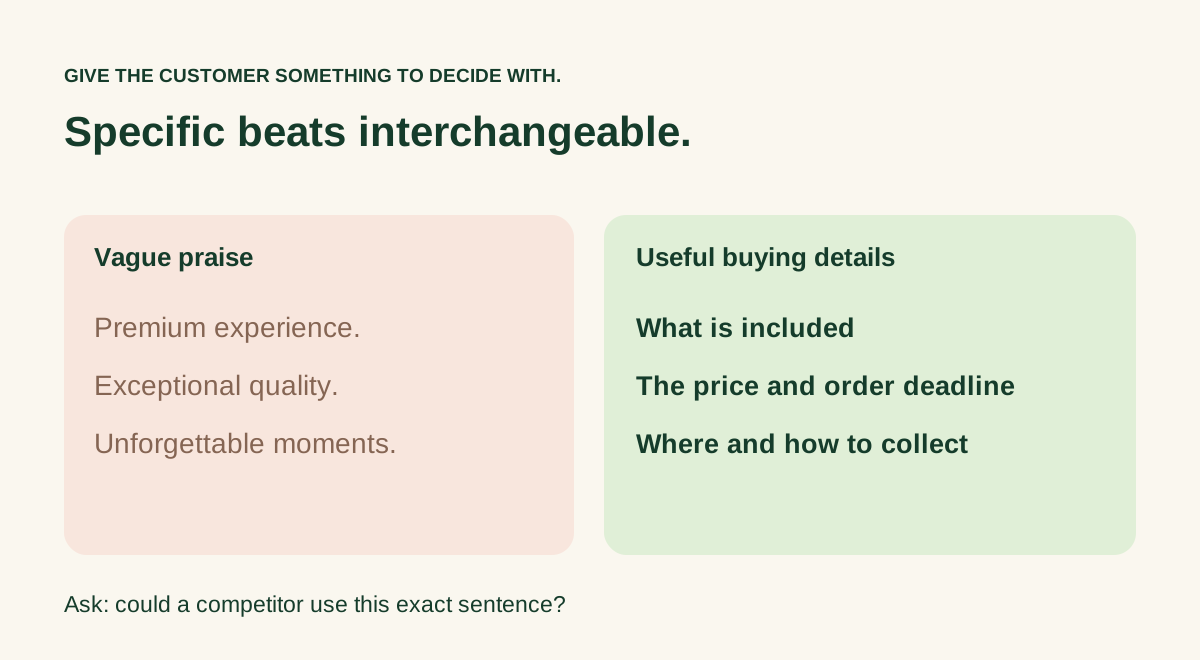
Give it something specific to work with. “Write an Instagram post for our café” leaves too many decisions open. A brief with the actual menu item, price, serving hours and order route gives you something you can judge against the business.
A useful trial: bring one approved offer and ask for a short announcement, an FAQ answer and a reminder. Check whether the wording stays consistent across all three.
The decision: choose a flexible writing assistant if you are comfortable organising the campaign around it. If the problem is scattered decisions rather than sentences, more drafts may leave the underlying work unresolved.
Canva: turn an approved message into editable creative
Canva is a sensible option to investigate when visual production is the bottleneck. Its documented tools include Magic Write for generating and revising text within its creative environment. Check the current product and plan for the design and AI features you intend to use.
The important test is the finished asset. Can you read the headline on a phone? Is the product recognisable? Can you change the date without rebuilding the graphic? Those questions matter more than how many variations a generator can produce.
A useful trial: create one announcement in the formats your business actually uses. Replace the offer details yourself and see whether the layout remains usable.
The decision: choose a design workspace when you already know what you want to say and need a manageable way to present it. Keep offer decisions in your brief so visual experimentation does not quietly change the promise.
Buffer: keep social content moving
Buffer’s AI Assistant supports idea generation, rewriting and adapting posts for different social channels. Its wider platform includes planning and scheduling; Buffer distinguishes those core functions from the optional AI writing assistant.
This is a relevant starting point when you have material worth publishing but lose track of which version goes where. A queue only helps if someone owns the final content and keeps availability, prices and links current.
A useful trial: take three approved posts through the channels you use. Check image presentation, link behaviour and the handoff between the person who writes and the person who approves.
The decision: assess it around social operations. If your biggest problem is weak offers or an unclear audience, a tidier publishing calendar will still need better material.
Brevo: build around email marketing
Brevo is worth investigating when email is a meaningful part of your customer relationship. Its Aura documentation describes assistance with subject lines, marketing content, translations and SMS. Some capabilities, including full email design generation, are described as beta or limited releases, so confirm availability in the account you will use.
A good email test starts with a real audience and a reason to contact them. A clear collection reminder or useful product explanation is easier to evaluate than an instruction to “write a high-converting newsletter”.
A useful trial: prepare one email for the appropriate audience, check its mobile preview and confirm the destination behind the main link.
The decision: choose around the email work you need to run, including list management and sending requirements. A writing feature alone is not a complete reason to move your customer communication.
Blaze: assess the broader workflow
Blaze presents a connected planning, content, publishing and improvement workflow, with software and managed-service options. That makes it a relevant comparison when you are deciding how much of the marketing operation to run yourself.
Ask for a demonstration of the work you actually need: one offer, the necessary assets, approval and the intended destination. A broad feature list is less useful than seeing where a draft goes after you approve it.
A useful trial: follow one campaign across the workflow and check what the business supplies, what the platform prepares and which tasks are handled by a team.
The decision: separate the software offer from the service offer when comparing costs and responsibilities. Confirm current plan details directly; do not assume every advertised capability is available in every package.
Upside: connect the business goal to the next campaign
Upside is designed around the business owner’s decisions. My Business holds business context; AI CMO helps turn a goal into focus and campaign work; Kairos supports business questions and creative ideas; and Content Studio provides image, copy and editing work. Search & Visibility brings attention to website, local presence and review priorities.
This is useful to assess when the bottleneck sounds like: “We keep making things, but nobody can explain which business goal they serve.”
A useful trial: start with one real goal, such as filling a quieter appointment period. Follow the plan and creative review in the AI CMO sample. Check whether the sequence helps you make a clearer decision. Actual delivery depends on the supported workflow, connected accounts and your approvals.

Use the same test for every tool
Give each option the same brief. Otherwise you may compare one tool’s best demonstration with another tool’s first rough draft.
Before committing, answer these five questions:
- What work did this remove from our week?
- How much editing did the finished output need?
- Could we keep the offer, price and tone consistent?
- Could the right person review the work before it went out?
- What is the full cost for our required features, usage and number of people?
Keep the answers next to the output. “It felt impressive” is difficult to compare a week later. “We could change the offer, approve the final creative and find it again” is a useful observation.
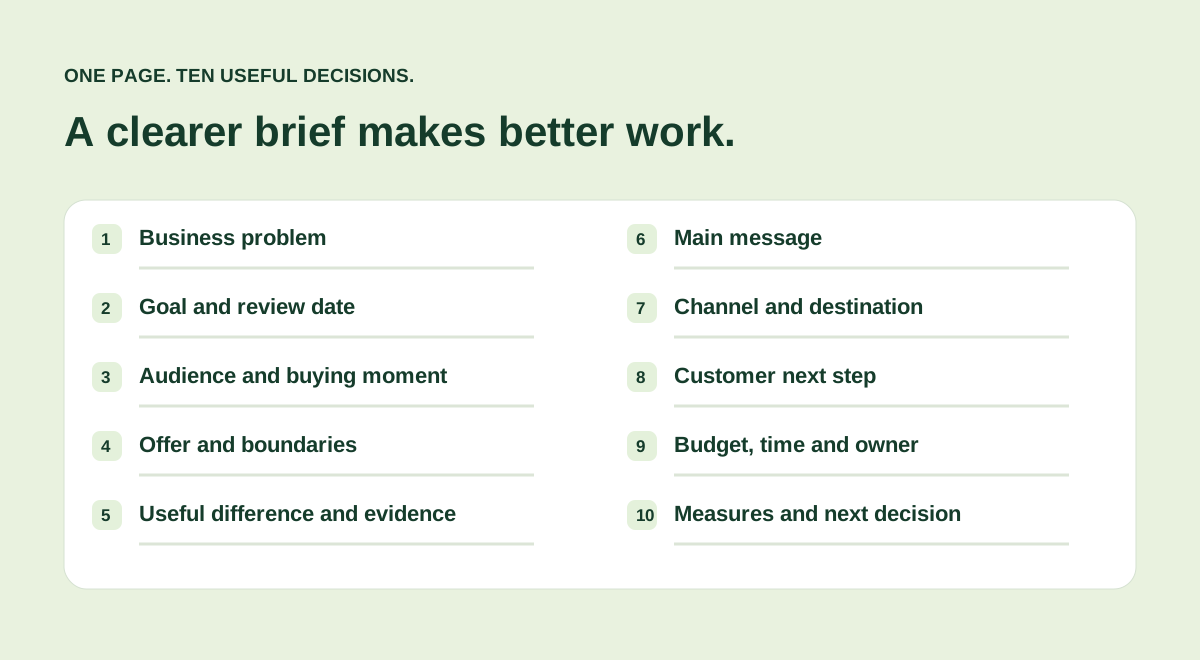
Start with the free one-page marketing brief. Fill it once, test the job that is holding you up, and add another tool only when there is another clear job for it.
Prepared by Upside. Sources are linked alongside the claims they support.
 Marketing planning · 6 min read
 Search & visibility · 6 min read
 AI & business · 6 min read